
The problem
Classic ticket dispensers need costly hardware, a cumbersome setup, and people who physically stand in line. For the organization, that means little visibility into the queue, rigid allocation of tickets to counters, and an inconsistent experience across locations.
Target audience
Organizations where visitors wait to be served — clinics and hospitals, public institutions, banks, car service centers, shops, fast-food restaurants, order pickup points, events — from a single location to a network.
How it works
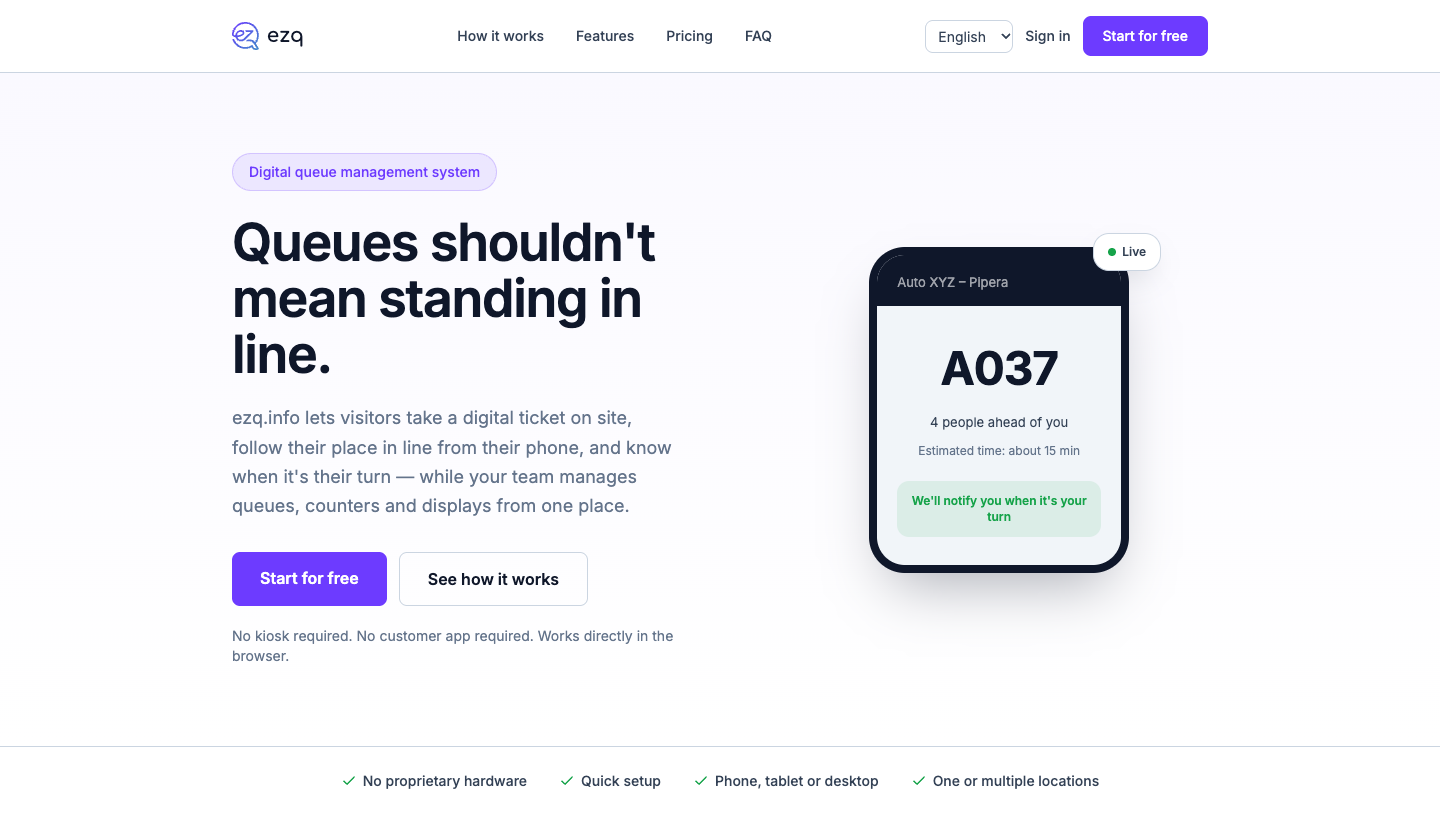
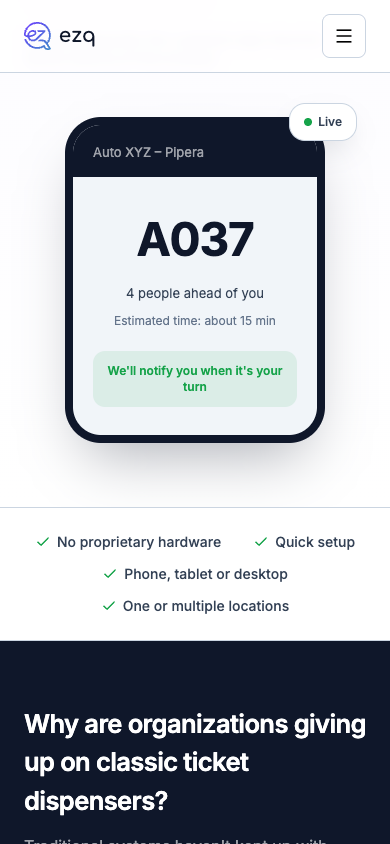
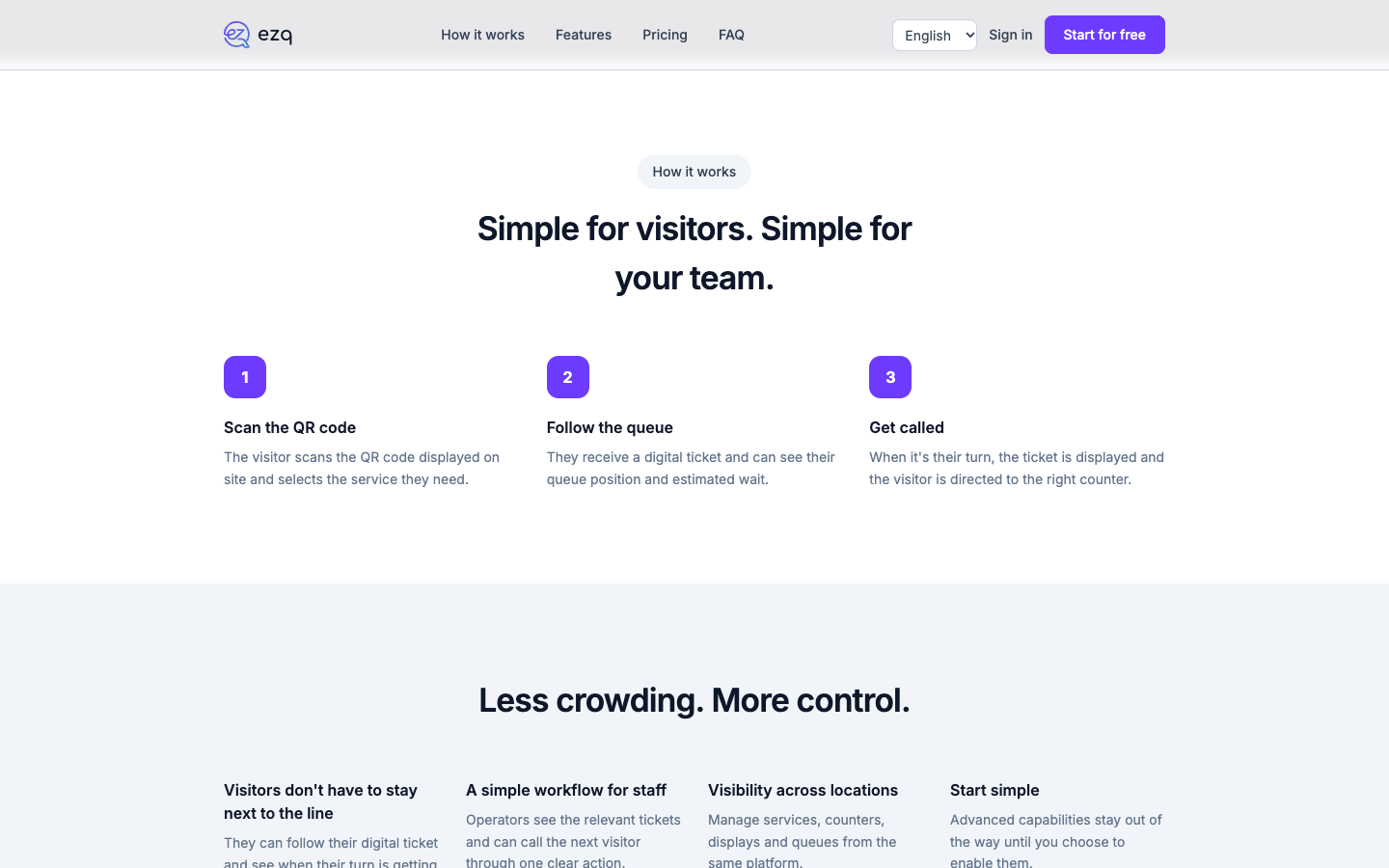
The visitor scans the QR code displayed on site, picks the service they need, and gets a digital ticket. From their phone they see their queue position, the estimated wait, and the live status. When it’s their turn, the ticket appears on the public display and the visitor is directed to the right counter. Staff work from a simple console, and management configures locations, services, and counters from one place. Everything runs in the browser, with no app.
Core modules
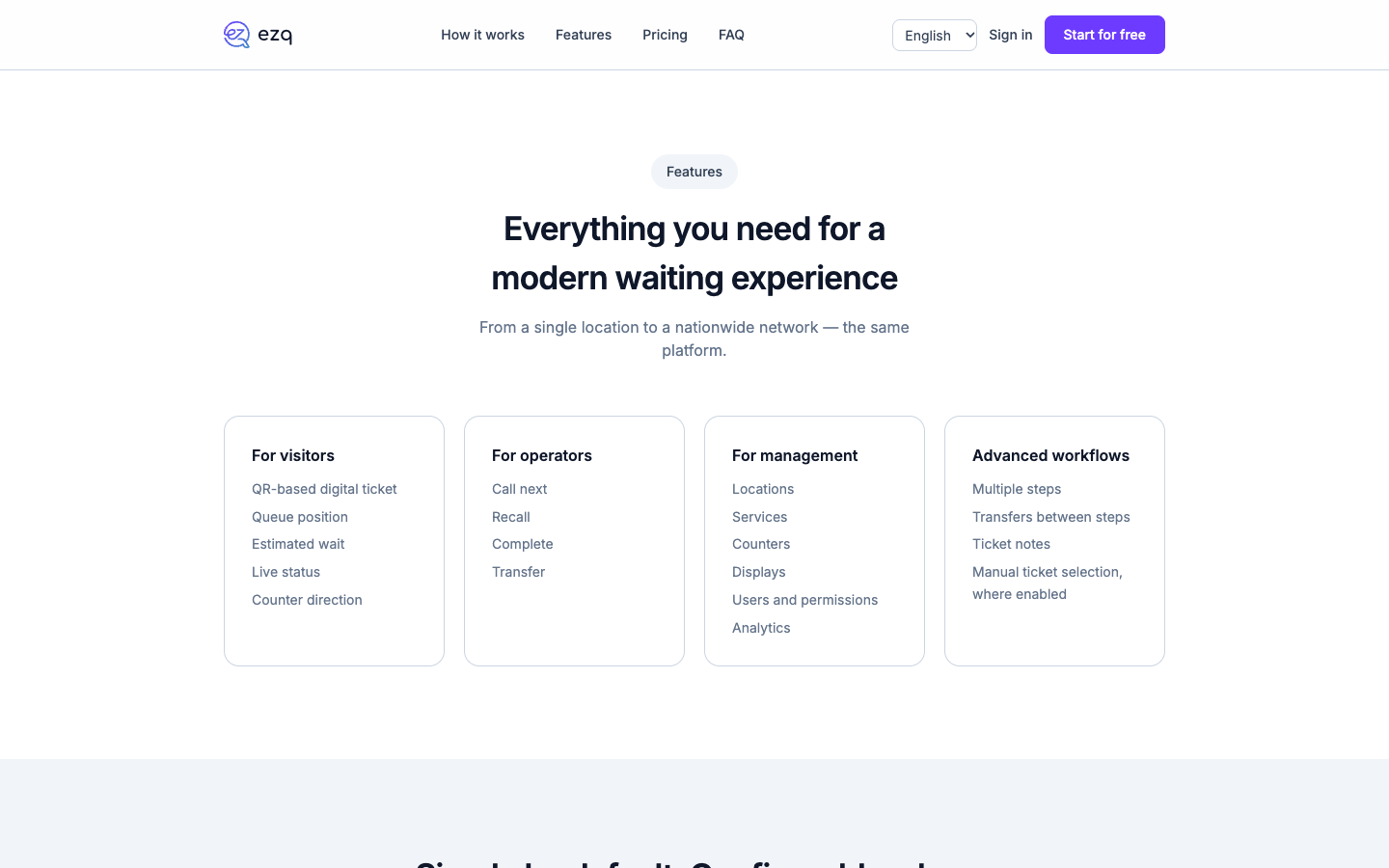
- QR-based digital ticket, with queue position, estimated wait, live status, and counter direction;
- operator console: call next, recall, complete, transfer;
- administration: locations, services, counters, displays, users, and permissions;
- analytics on the queue and activity;
- advanced workflows: multiple steps, transfers between steps, ticket notes, manual ticket selection where enabled;
- public display on a TV or monitor, in landscape or portrait orientation.
The product challenge
A queue system only works if staff use it consistently, even at peak hours. That’s why an operator’s workflow is reduced to a few clear actions (call next, recall, complete, transfer), and advanced capabilities stay out of the way until the organization chooses to enable them — from “start simple” to more complex setups, without changing platforms.
General architecture
A web application, with no native apps, and four surfaces: the visitor’s ticket page (opened via QR code), the operator console, the admin area, and the public display. The infrastructure is hosted on a dedicated server in Romania, with HTTPS/TLS traffic through Cloudflare.
Security and operations
Access is separated by role (operator, management). Passwords are stored with bcrypt hashing, and visitors who take a ticket have no account and provide no personal data. Detailed information is published on the platform’s security page.
Integrations
A publicly documented API for connecting with other systems, and display on compatible TVs or monitors. The platform’s interface is available in Romanian and English.
Existing vs. in-development features
The digital ticket, the operator console, administration, the public display, advanced workflows, and the free plan (with small usage limits) are live, confirmed directly on ezq.info; paid plans also exist. Visual customization of the display (logo, colors) is mentioned on the site as planned. We have no confirmed public roadmap beyond that.
Leadpro’s involvement
EZQ is developed and operated by Leadpro — from concept and architecture to ongoing platform maintenance.
Status
Publicly available — the platform is live and can be tried free of charge at ezq.info.
Capturi de ecran
Frequently asked questions
Do visitors need an app or an account?
No. The visitor scans the QR code displayed on site and gets the ticket directly in the browser. They don't create an account and don't have to provide personal data to take a ticket.
What equipment is needed?
No proprietary hardware or kiosk is needed. The system works on a phone, tablet, or desktop, and called tickets can be shown on a compatible TV or monitor, in landscape or portrait orientation.
What kinds of organizations is EZQ suited to?
Any place where people wait in line: healthcare, public services, banking, car service centers, retail, fast food and order pickup, events. From a single location to a network of locations, on the same platform.