
The problem
Visitors to a site or app get stuck on simple things just as often: they can’t find a setting, don’t understand a button, or don’t know which document holds the answer. A generic chat doesn’t know the product, and a long manual goes unread.
Target audience
Teams with a digital product, a website, or an admin panel who want users to get help right on the page — product sites, SaaS platforms, shops, apps with areas behind a login.
How it works
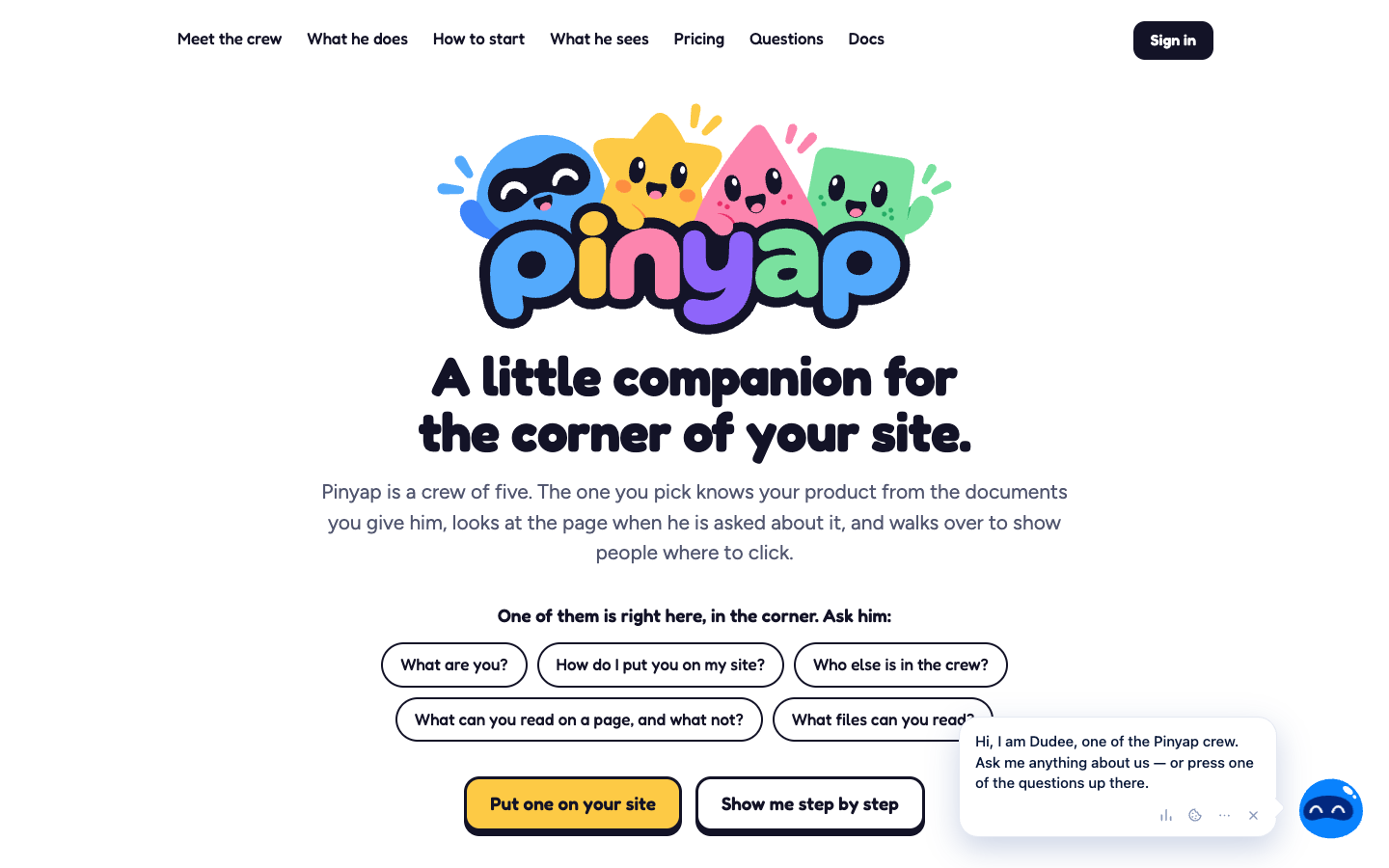
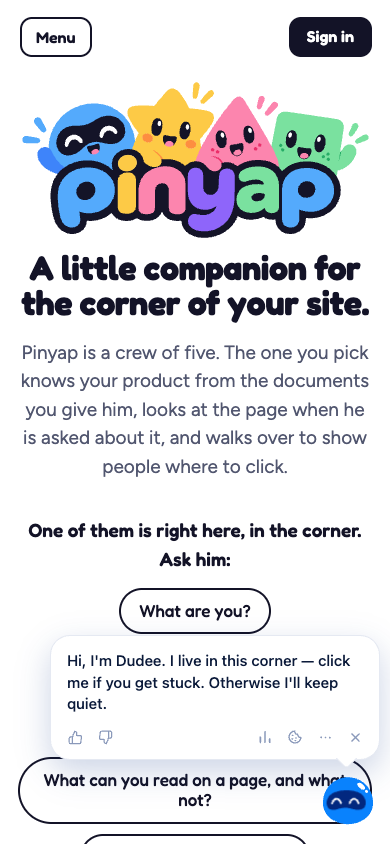
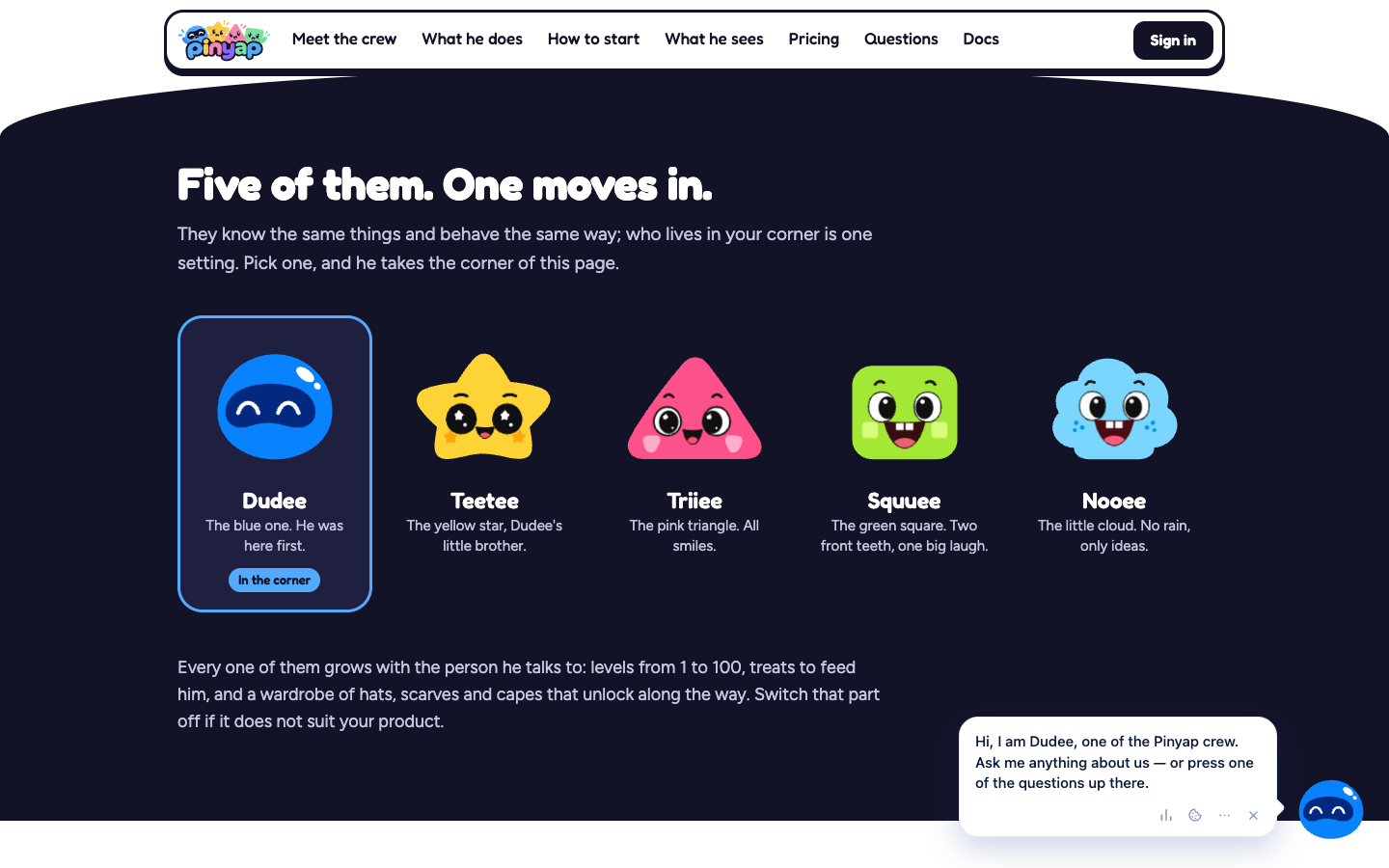
Pinyap puts an animated companion in the corner of the site, one of a crew of five characters. The owner gives it the product’s documents, and the companion answers from them, in the language the user writes in. When the question calls for it, it reads the current page, walks over to the right button, and puts a ring around it; if the answer is on another page, it offers to take the user there. It can also walk through a tutorial step by step, waiting for the user to complete each step. It doesn’t take actions or change settings for anyone: it explains and shows the way.
Core modules
- an animated companion, chosen from five characters that all behave the same way — which one lives in the corner is a single setting;
- answers from documents (PDF, Word, web pages, text, Markdown, CSV), from notes written by the owner, and from a documentation file published by the site;
- reading the page only when the question needs it (headings, buttons, links — never what is typed into a field), with a ring around the right element;
- step-by-step tutorials, defined through the API, with no changes to the site’s code;
- the “map of your site”: a one-time walk-through in the owner’s browser by which the companion learns where everything is;
- unanswered questions collected in the console — the owner’s answer becomes a note for the future;
- per-visitor memory, with options to pause its tips, hide it, or have it forget;
- levels from 1 to 100, treats, and a wardrobe, which can be switched off on sites where they don’t fit;
- an owner console, documentation, and an API with tokens, so that setup can be handed to an AI.
The product challenge
A companion that talks about someone else’s product has to be useful without being intrusive, and without making things up. That’s why it speaks first only when someone seems stuck, never while they type in a field, and admits when it doesn’t know — turning the knowledge gap into a list the owner can fill in.
General architecture
A widget loaded with a single line of JavaScript, drawn inside its own shadow root so the site’s styles and its own never mix. Answers come from the pieces of documents that match the question, found even across languages or by an exact code, and pages are read only when needed. The owner manages everything from the console.
Security and operations
The AI model receives the question with names swapped for stand-ins, the matching pieces of documents, and — only when needed — the page’s visible text. It doesn’t receive email addresses, site addresses, links, people’s names, the contents of fields, passwords, hidden parts of a page, or keys and tokens, and any part of a page can be excluded with an attribute. Page reading can be switched off for a site, and users can pause its tips or ask it to forget them. The site walk-through runs in the owner’s browser, follows links only, never presses a button, and the owner’s password never reaches Pinyap. Console sign-in is by emailed link, with no password.
Integrations
A documented API with tokens, through which setup (site, documents, tutorials) can also be done by an AI, and a widget that can receive the user’s identity from the site’s server so that it recognizes them on any device.
Existing vs. in-development features
The companion, answers from documents, page reading, tutorials, the site map, the console, and the API are live, confirmed directly on pinyap.com. There is a free plan and paid monthly plans, based on the number of answers the AI gives rather than the number of visitors; paid plans are switched on manually for now. We have no confirmed public roadmap beyond that.
Leadpro’s involvement
Pinyap is developed and operated by Leadpro — from concept and architecture to ongoing platform maintenance.
Status
Publicly available — it can be tried free of charge at pinyap.com; new accounts are approved manually for now.
Capturi de ecran
Frequently asked questions
Do I have to change my site's code?
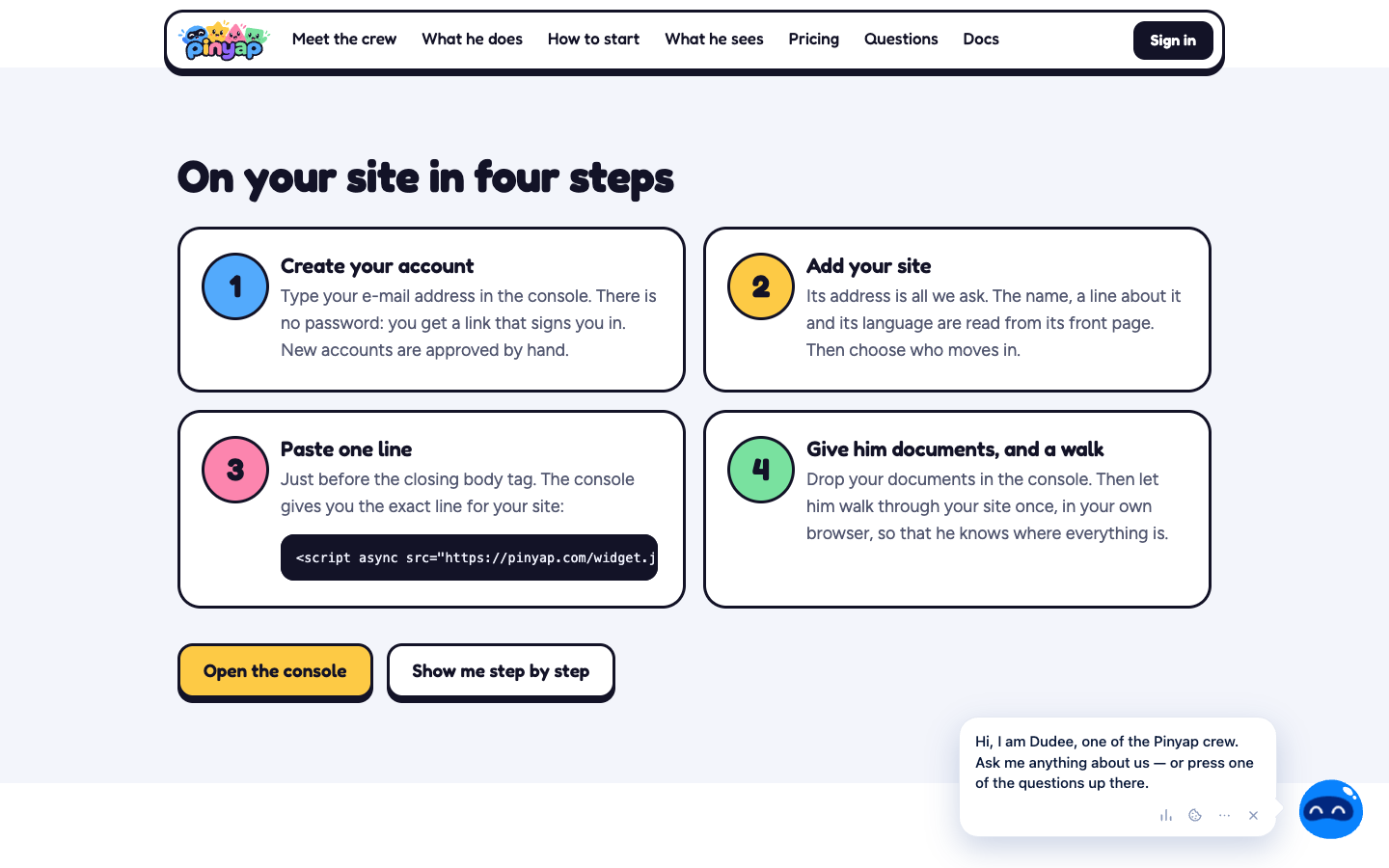
Only by adding a single line, pasted just before the closing body tag. It works anywhere you can paste a line of HTML. Tutorial steps are described without touching the site's code.
What happens when it doesn't know the answer?
It says so openly, and the question shows up in the site owner's console. The owner's answer becomes a note the companion uses from then on.
What does the AI see about my users?
The question, with names swapped for stand-ins, the matching pieces of your documents, and — only when the question needs it — the page's visible text. It never sees email addresses, site addresses, links, people's names, anything typed into a field, passwords, or hidden parts of a page.